Why Laptop Skins Keep Reordering
Laptops are replaced less often than phones, but they are personalized far more consistently. Buyers want their machine to be identifiable in a shared office or studio, and they want it to look intentional rather than generic. That makes personalized laptop skins a steady product line: the same size chart, the same artwork files, and the same print setup can be reordered across a full product cycle with no new tooling.
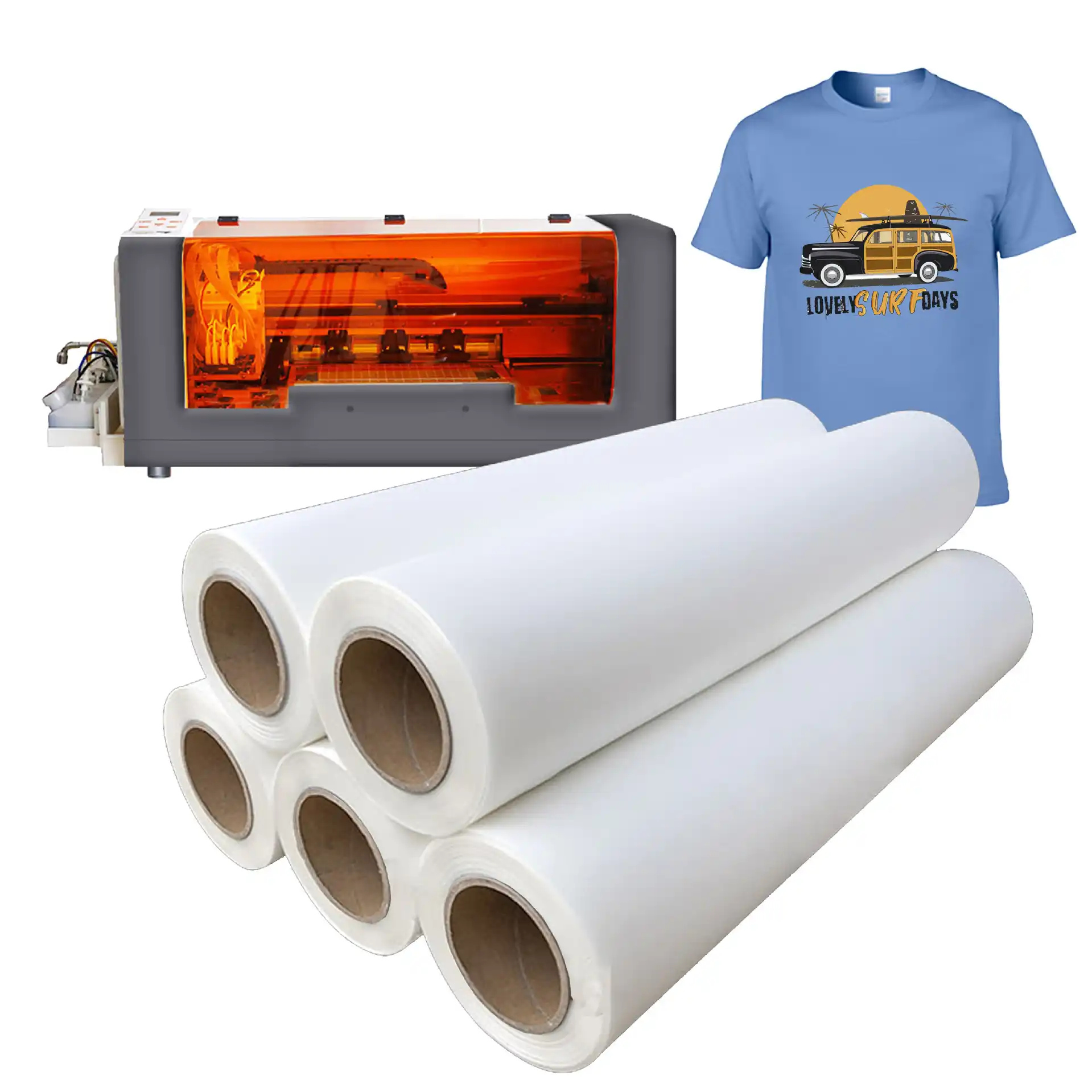
This guide covers the custom laptop skins UV DTF transfer decisions a wholesale buyer has to make: which chassis finishes accept a transfer cleanly, how to size a skin across 13-inch to 16-inch models, the application process, realistic durability numbers, and how to structure a catalog so reorders stay simple.
What UV DTF Means for a Laptop Lid
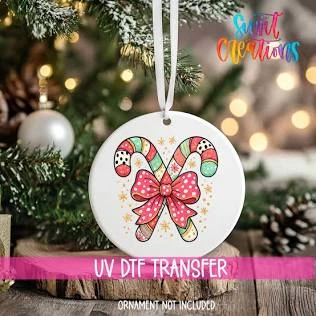
UV DTF (Direct to Film) is a digital printing method in which artwork is printed with UV-curable inks onto a carrier film, laminated with a clear adhesive layer, and cured under UV light in one continuous pass. The result is a self-contained transfer: color, white ink, adhesive, and a clear resin top layer all live in the same sheet. To decorate a surface you position the transfer, press it down, and peel the carrier film away — no heat press, no water bath, no separate laminating step.
That matters for laptops specifically. Most lids are aluminum, magnesium alloy, or ABS plastic, and all three turn heat-sensitive once the battery and display are installed. A room-temperature application removes the risk of warping a hinge shroud or discoloring a bezel. UV DTF also lays down white ink and protective resin in the same job, so a design holds its color on a dark graphite chassis without a separate underlay print.
Surface Compatibility: What Bonds and What Does Not
Not every finish takes a transfer the same way. These are the lid materials buyers ask about most, and what we see across production runs.
Anodized aluminum (MacBook, XPS, ThinkPad T-series): bonds well. The anodized micro-texture spreads the adhesive evenly. Wipe with isopropyl alcohol and let it flash off for 30 to 60 seconds before applying.
Brushed or matte aluminum: bonds well, but the brushed grain can show through very thin artwork. Solid colors and mid-to-dark tones look most consistent.
ABS and polycarbonate plastic: bonds well. Mold-release residue is the usual failure point, so wipe with IPA rather than a general-purpose household cleaner.
Soft-touch and rubberized coatings: bonds, but more slowly — the adhesive needs about 24 hours to reach full strength. Tell end customers not to reposition the skin on day one.
Textured vinyl wraps already installed on the lid: do not bond reliably, because silicone-treated vinyl has a low surface energy release layer. For those chassis, sell a hard case or a sleeve instead. We cover the same surface rules in our guide to custom phone case decals, and the logic holds for drinkware in our water bottle sticker application guide.
Sizing Custom Laptop Skins UV DTF Transfer Across 13–16 Inch Chassis
Size discipline is where most reseller catalogs fail. A skin sold as “fits 14-inch laptops” will not fit every 14-inch laptop, because lid dimensions vary by aspect ratio and hinge design. Build the size chart from lid width and height in millimeters, not from the screen diagonal. For full-lid coverage, these are the lids we cut most often:
13.3-inch class (MacBook Air M-series): roughly 304 mm × 212 mm.
14-inch class (MacBook Pro 14, XPS 14): roughly 312 mm × 221 mm.
15.6-inch class (mainstream Windows notebooks): roughly 360 mm × 245 mm.
16-inch class (MacBook Pro 16, ThinkPad X1 Extreme): roughly 356 mm × 248 mm.
Three numbers keep a catalog reliable. Keep critical artwork at least 6 mm inside the die line so print drift never clips a logo. Hold die-cut tolerance to ±0.3 mm, because on a bordered skin a 1 mm slip separates a clean frame from a rejected unit. Use an 8 to 12 mm corner radius; sharp corners lift first during sleeve friction.
Application Guide: From Sheet to Finished Lid
Application is a five-minute operation once the surface is prepared correctly. Shipping a short instruction card with these steps drops “it peeled” complaints sharply.
1. Power the laptop down and wipe the lid with isopropyl alcohol. Let it dry fully.
2. Dry-fit the transfer and check corner alignment before removing any liner.
3. Peel the backing liner, holding the transfer by the carrier film only. Do not touch the adhesive face.
4. Lay the transfer down from one edge, working a squeegee across the surface to push air ahead of the contact line.
5. Press the full area again with firm strokes, concentrating on corners and contour cuts.
6. Peel the carrier film back slowly at a low angle. If part of the design lifts, press it back down and re-squeegee.
7. Leave the laptop closed and undisturbed for 24 hours so the adhesive reaches full strength.
Avoid applying over a warm lid, and avoid temperatures below 15 °C. Both shorten working time and increase trapped air.
Realistic Durability Expectations
A laptop lid is not the same environment as a phone case or a tumbler. It sees less liquid, more abrasion, and almost no sunlight while it is inside a bag. These are the numbers we quote to buyers planning a warranty policy on custom laptop skins UV DTF transfer products.
Indoor service life runs three to five years under normal handling. Prints are water and alcohol resistant once cured, so a damp cloth or an IPA wipe will not lift the design. Abrasion resistance handles everyday sleeve and backpack friction and tolerates hundreds of light rubs at a 500 g load in our in-house checks. The working range is roughly −20 °C to 70 °C, covering cold-container shipping and normal use. Removal is clean when done warm: heat gently with a hair dryer, peel slowly at a low angle, and lift residue with IPA.
In direct sunlight, saturated reds and yellows can shift over several years; recommend darker artwork for lids that live outdoors.
Building a Reorder-Ready Laptop Skin Line
Most buyers start with a test batch and scale into a fixed SKU list, and the economics favor reusing the setup rather than rebuilding it. Practice runs begin at 50 sheets, and volume tiers step up from there, so a store testing four designs can start small and scale only the winners.
A standard A3 sheet at 297 mm × 420 mm carries two 14-inch full-lid skins or five 90 mm logo marks; a 600 mm × 900 mm sheet carries eight full 14-inch lids with spacing for contour cutting. Send artwork as vector AI or PDF where possible, or 300 dpi PNG with a transparent background. We match Pantone references on brand colors and return a printed sample for sign-off before a full run.
Production runs five to seven business days after artwork approval, and express air freight through DHL or FedEx delivers in three to five business days to most destinations. Confirm sizing against real chassis before committing a full run — our laptop skin surface compatibility guide walks through those chassis checks in more detail.
Frequently Asked Questions
Will a UV DTF laptop skin damage the lid finish when removed?
No, when it is removed correctly. Warm the skin gently with a hair dryer, peel slowly at a low angle, and clean residue with isopropyl alcohol. Anodized aluminum and ABS plastic both return to their original finish. The real risk is impatient removal from a soft-touch coating, which can leave faint residue that IPA clears.
Can one design fit multiple laptop models?
Yes, if you sell it as a partial skin. A centered 90 mm × 90 mm logo mark, a band, or a corner motif fits nearly any lid. Full-lid coverage needs a separate die line per chassis class, because lid dimensions differ by more than a centimeter even within the same screen size.
What is the minimum order for custom laptop skins UV DTF transfer runs?
Practice batches start at 50 sheets, enough to cover several designs across a small product line. Once a design proves itself, volume tiers reduce unit cost at each step up. We would rather see a buyer validate a design at low volume than over-commit to inventory.
Do the transfers need a clear coat or a top laminate?
No. UV DTF builds the protective resin layer into the print itself, so no separate laminating step follows application. That clear top layer gives the skin its scuff resistance and the slightly raised resin finish that sets it apart from a flat vinyl decal.
What artwork files do you need for a laptop skin order?
Vector AI or PDF files are ideal because they scale cleanly to any die line. If vector is unavailable, send 300 dpi PNG or TIFF with a transparent background at final print size. Include a Pantone reference for brand colors, and we return a printed proof before the production run.
Plan Your First Laptop Skin Run
A laptop skin line is one of the more predictable custom categories a reseller can carry: rigid size standards, forgiving application, and artwork reusable for years. Start with one or two partial-skin designs, confirm lid dimensions on the exact chassis you sell, and let reorder data tell you which full-lid die lines to add next.
Ready to take your product line to the next level? Contact UV DTF Decor today to discuss your custom transfer requirements and request a free quote.
54 ready-made designs, custom prints and sample packs — sent to your inbox.