The Growing Market for Custom Laptop Skins
Laptops have become everyday essentials for professionals, students, and creators worldwide. Alongside this shift, the demand for personalized laptop skins has grown significantly. E-commerce sellers, print-on-demand store owners, and corporate gift buyers are constantly searching for customization methods that deliver vibrant colors, sharp detail, and long-lasting durability at scale.
At UV DTF Decor, we manufacture custom laptop skins using UV DTF transfer technology — a process that produces full-color decals with high-resolution detail and strong adhesion on hard surfaces. In this guide, we walk through how UV DTF transfers work for laptop customization, what makes them stand out from traditional vinyl wraps, and how your business can source high-quality custom laptop skins UV DTF transfer products at factory-direct pricing.
What Is a UV DTF Transfer?
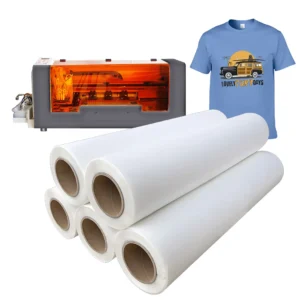
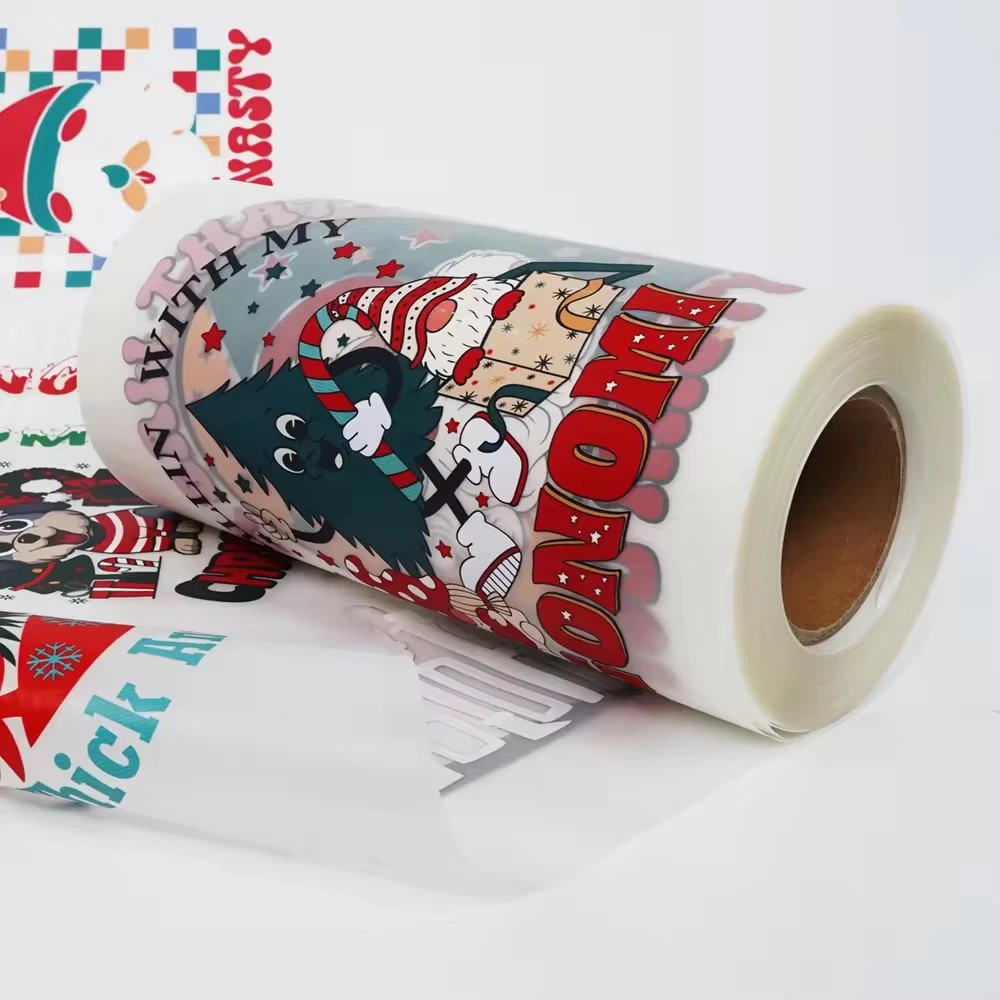
UV DTF (Direct to Film) is a digital printing method where designs are printed onto a specialized PET film using UV-curable inks, then transferred to a target surface with a permanent adhesive backing. Unlike conventional vinyl cutting or screen printing, UV DTF allows for full-color CMYK printing with a white ink underlayer, enabling complex gradients, photographic images, and fine text on any hard surface — including laptop lids, palm rests, and trackpad areas.
Each transfer consists of three layers: the printed design on film, a permanent adhesive coat, and a protective tape overlay that holds the design in place during application. This construction makes custom laptop skins UV DTF transfer products particularly well suited for laptops and other devices where precise alignment and bubble-free application matter.
Why Choose UV DTF for Laptop Skins
When sourcing custom laptop skins for your business, the production method directly affects product quality, turnaround time, and unit cost. Here is how UV DTF transfers compare with alternative approaches:
Full-color capability. UV DTF produces CMYK plus white ink in a single print pass. There is no color restriction — any logo, artwork, or photographic image prints with accurate color reproduction. This is especially valuable for businesses fulfilling custom orders with varied artwork across multiple laptop models.
No die-cutting or weeding required. Unlike adhesive vinyl, UV DTF transfers arrive pre-cut to your design shape. This reduces labor during production and eliminates waste from trimming or weeding. For bulk orders, this translates into faster turnaround and lower labor cost per unit.
Thin profile with edge sealing. UV DTF transfers measure roughly 0.1 mm in thickness, adding no noticeable bulk to the laptop surface. The UV-cured ink forms a sealed edge that resists peeling, moisture, and everyday friction — important for laptop lids that slide in and out of bags and sleeves.
Compatibility with textured surfaces. Many laptop finishes use textured metal, soft-touch coatings, or brushed aluminum. UV DTF transfers bond to these surfaces without lifting at the edges, provided the surface is clean and free of oils.
Surface Preparation for Laptop Application
Laptop surfaces vary by manufacturer — anodized aluminum on MacBooks and Dell XPS models, polycarbonate on Lenovo ThinkPads, or soft-touch rubberized coatings on select gaming laptops. In all cases, proper surface preparation determines bond strength and finished appearance:
- Clean the surface with a 70% isopropyl alcohol wipe to remove oils and residues.
- Dry thoroughly with a lint-free cloth. Avoid paper towels that leave fibers.
- If the laptop has a factory coating that is flaking or worn, test a small area first — UV DTF transfers bond best to intact surfaces.
- Work in a dust-free environment at room temperature (18–28 °C) for optimal adhesive performance.
We provide detailed application instructions with every bulk shipment so your production team can achieve consistent results across hundreds of units.
Step-by-Step Application Process
Applying a custom laptop skin using UV DTF transfer technology follows a straightforward dry-application process designed for production efficiency:
- Peel the backing film from the transfer, exposing the adhesive side while keeping the protective tape layer on top.
- Position the transfer onto the laptop surface. The protective tape allows you to slide and adjust before pressing down — take advantage of this for precise alignment.
- Once positioned correctly, apply firm pressure from the center outward using a squeegee or a credit card wrapped in a microfiber cloth.
- Slowly peel away the protective tape at a 45-degree angle, checking that the design releases fully from the tape onto the laptop surface.
- Press down once more along the edges to ensure full adhesion.
For curved laptop edges — such as the front lip of a MacBook base — we can pre-score the transfer during production to allow wrapping around corners without lifting. Request this option when placing your bulk order for custom laptop skins UV DTF transfer products.
Durability and Performance Testing
Custom laptop skins produced with UV DTF technology are tested for the following performance criteria in our factory:
- Abrasion resistance — the UV-cured ink layer withstands rubbing and contact with bag interiors over daily use.
- Water and moisture resistance — the sealed surface protects the print against light rain, spills, and hand sweat during normal use.
- Heat tolerance — UV DTF transfers handle surface temperatures up to 80 °C, well above the typical laptop operating temperature range.
- Clean removability — when the client wants to change the skin, the transfer peels off with gentle heat (hair dryer on low) and leaves no sticky residue on most laptop finishes.
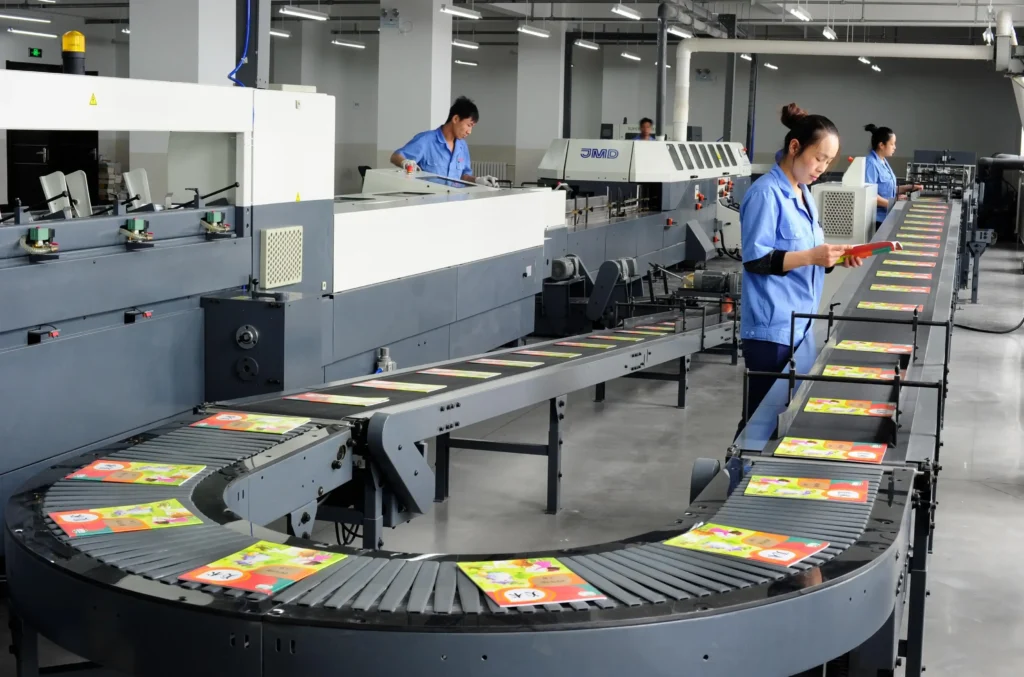
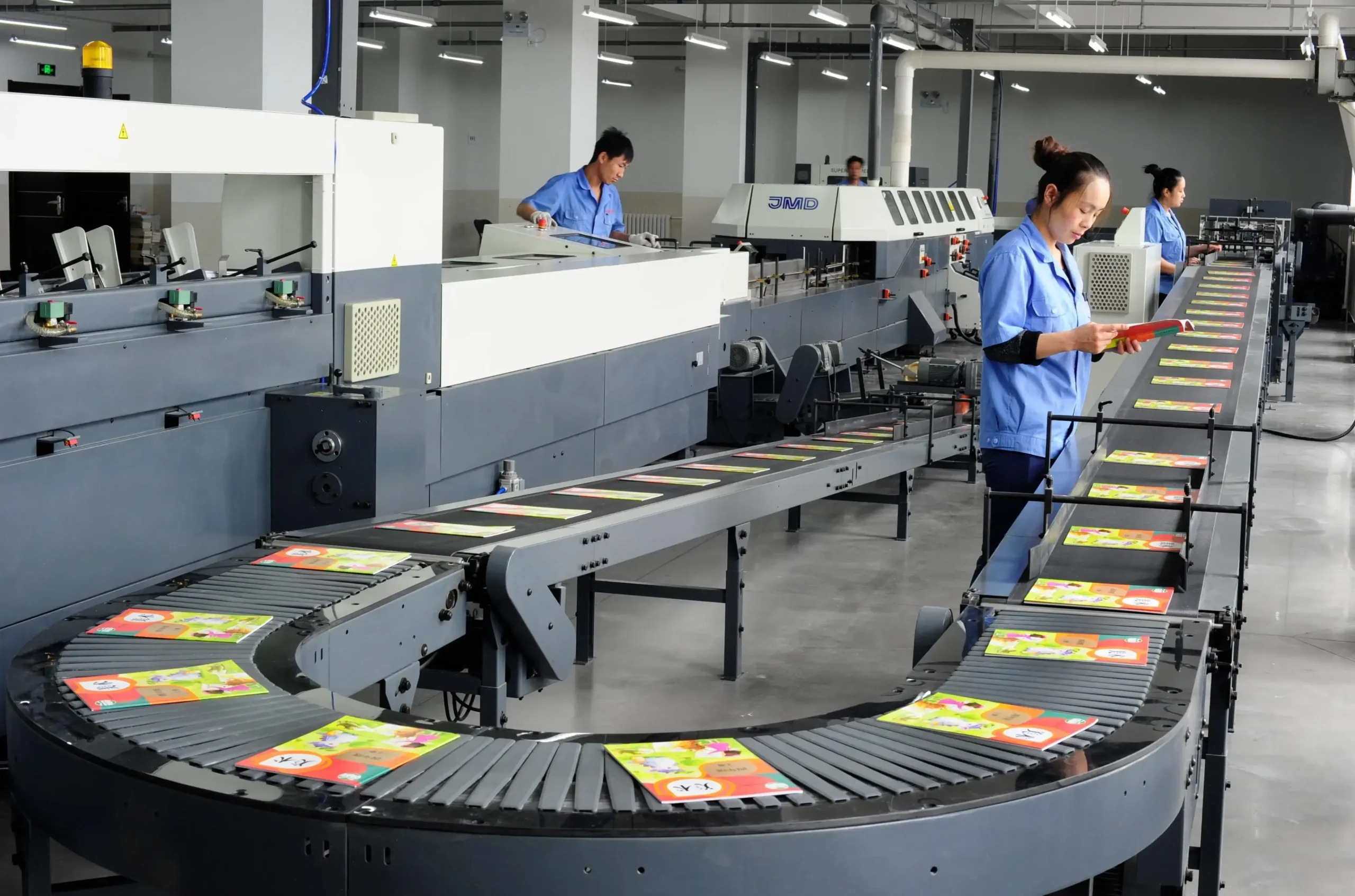
In our factory, every production batch undergoes adhesion and peel testing before shipment. We maintain a defect rate below 0.5% across all bulk production runs.
Business Considerations for Bulk Ordering
For business buyers, sourcing custom laptop skins through UV DTF Decor offers several operational advantages:
No minimum design commitment. Send us multiple artwork files in a single order. We handle print setup for each design at no charge for file preparation or color adjustments.
Consistent print quality across batches. Our UV printers are calibrated daily, and we use the same ink and film specifications for every production run. Reorders match the original order in color, density, and finish.
Worldwide shipping with tracking. We ship via DHL, FedEx, and international carriers depending on order size and destination. Typical production time is 3–5 business days, with international transit adding 5–10 business days.
Private labeling options. For established brands and resellers, we offer unbranded packaging and custom insert cards. Your customers receive the product as if it came from your own production facility.
Frequently Asked Questions
What is the minimum order quantity for custom laptop skins?
Our standard MOQ is 50 units per design. For businesses testing a new product line or fulfilling smaller pre-orders, we offer a trial batch of 10–20 units at a slightly higher per-unit rate. Contact our sales team with your volume requirements.
What file formats do you accept for artwork?
We accept AI, PDF, PSD, PNG, and JPEG files. For best results, provide artwork at 300 DPI with the design area sized to your specific laptop model. Our design team can adjust the file to fit exact dimensions if you have a template or mockup.
How long do UV DTF laptop skins last under regular use?
With proper application and normal daily use, our UV DTF transfers maintain their appearance for 2–3 years. The UV-cured ink resists fading from indoor light exposure, and the edge-sealed construction prevents lifting or peeling during that period.
Can I order multiple laptop models in one batch?
Yes. We routinely produce custom laptop skins for mixed fleets — your order can include different laptop makes and models (Dell, HP, Lenovo, Apple, ASUS, Acer) within the same production run. Each design is cut to its specific template automatically in our production workflow.
What surfaces do UV DTF transfers not work well on?
UV DTF transfers bond to most rigid surfaces but are not recommended for highly porous materials such as uncoated raw wood or unpainted metal, silicone sleeves, or extreme curved surfaces without pre-scoring. For these cases, we can recommend alternative materials or adjust the transfer design. Ask our team for a surface compatibility test before placing a large order.
Start Sourcing Custom Laptop Skins Today
The market for custom laptop skins continues to grow as more individuals and organizations seek personalized devices and branded merchandise. By partnering with UV DTF Decor, you gain access to factory-direct pricing, consistent print quality, and a production team experienced in fulfilling B2B orders for international clients.
Ready to take your product line to the next level? Contact UV DTF Decor today to discuss your custom transfer requirements and request a free quote.